> ## Documentation Index
> Fetch the complete documentation index at: https://docs.junction.exchange/llms.txt
> Use this file to discover all available pages before exploring further.
# Buy
> Change your fiat currencies to your favorite crypto using either a card, bank account, google/apple pay and more
Currently, our **Buy** and **Sell** modals aren't integrated into Junction Exchange.
*Coming soon.*
## Buy or Sell
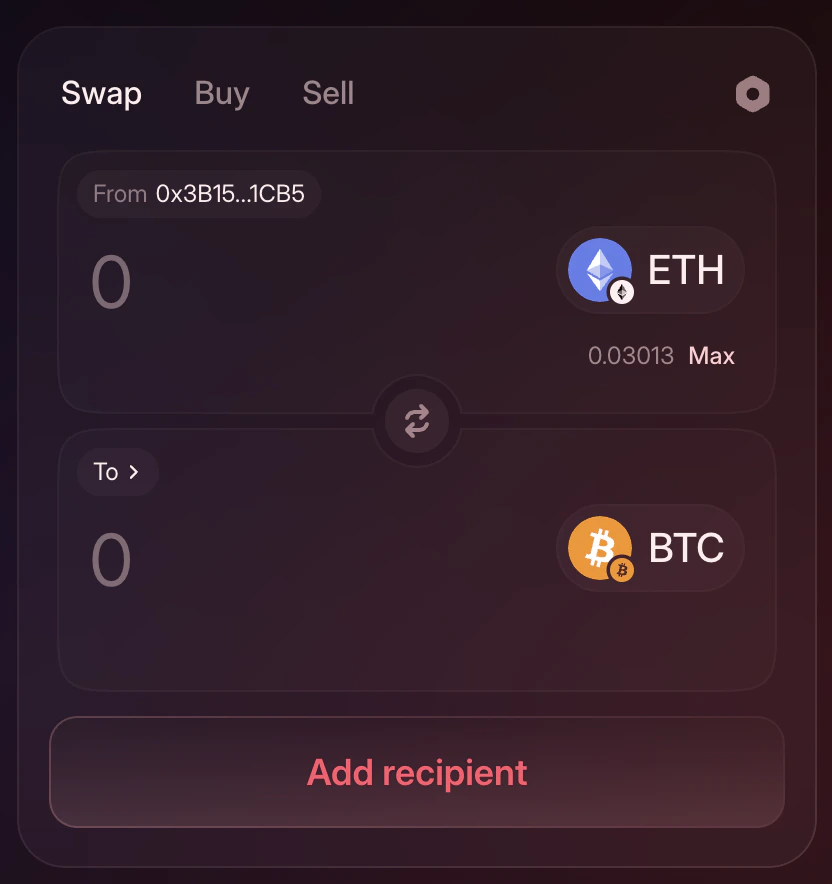
You can still do it click on the the buttons from the swap form to an **external tab** opening our current provider **Moonpay**.
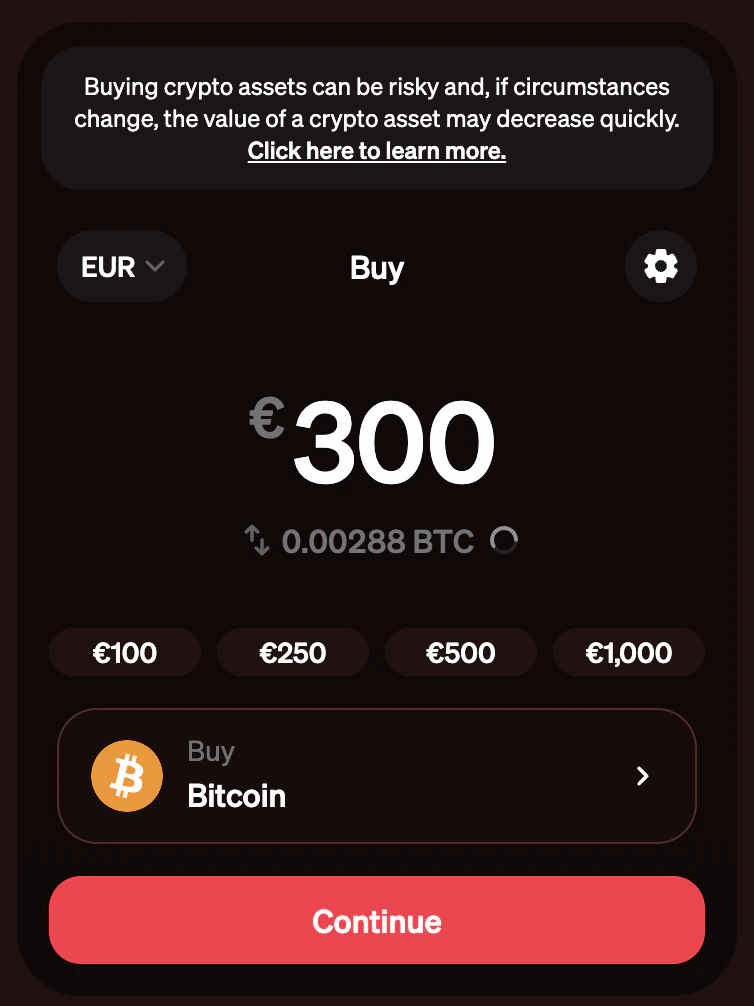
 ### Select amount
* Choice your **fiat currency** on the top left.
* Decide your**amount** in the middle. You can also use the prepared amounts button to autofil it.
* Select the **crypto currency** you like to receive in the bottom.
* Click "**Continue**" when all set!
### Select amount
* Choice your **fiat currency** on the top left.
* Decide your**amount** in the middle. You can also use the prepared amounts button to autofil it.
* Select the **crypto currency** you like to receive in the bottom.
* Click "**Continue**" when all set!
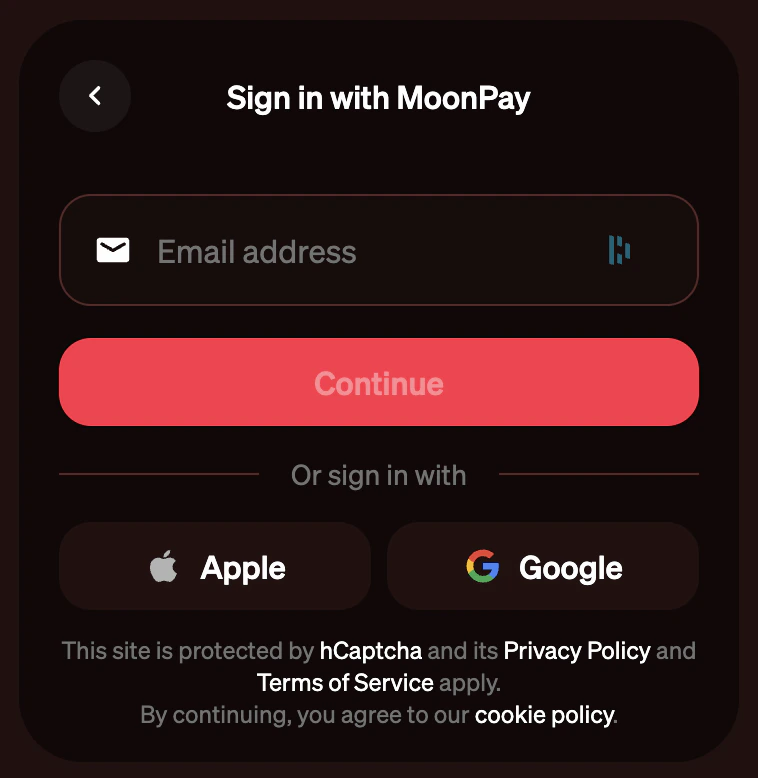
 ### Sign in with your email
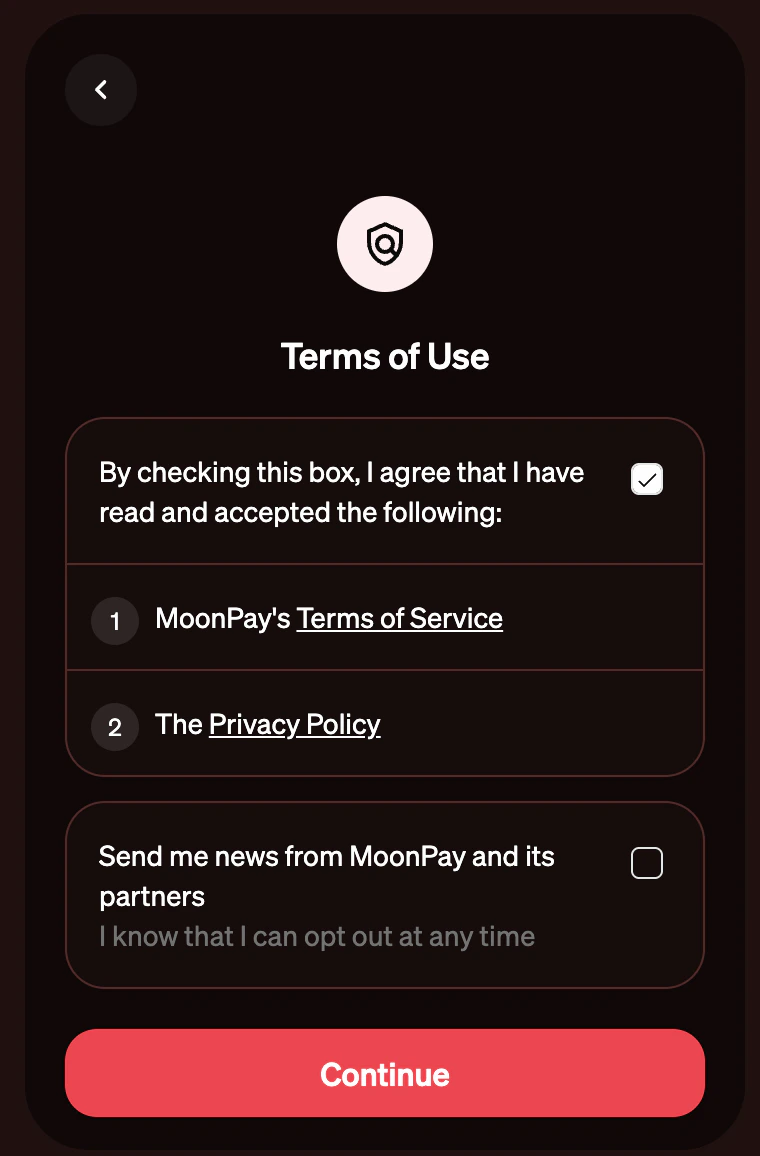
 ### Accept the Terms of Use
 ### Confirm your identity
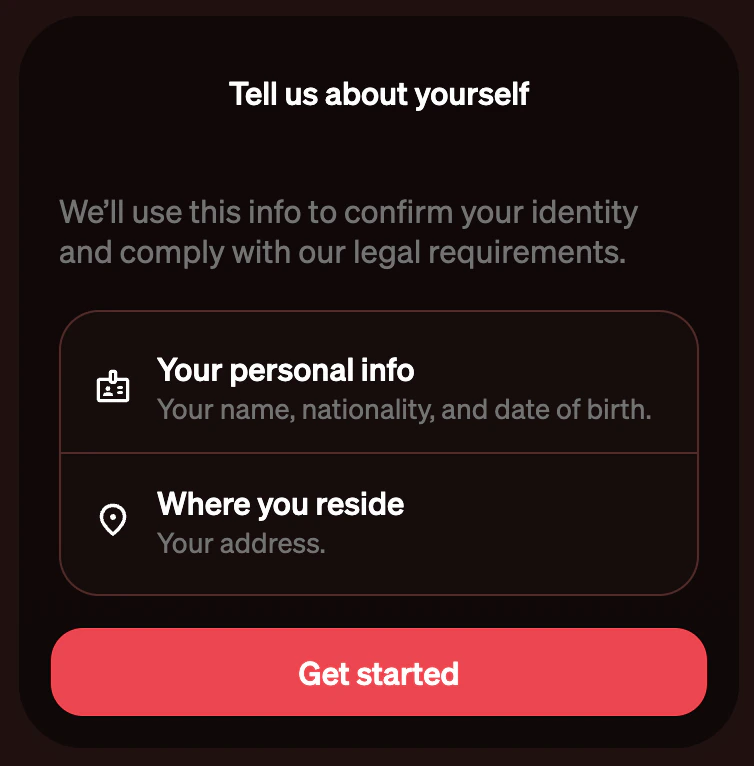 ### Verify your ID document
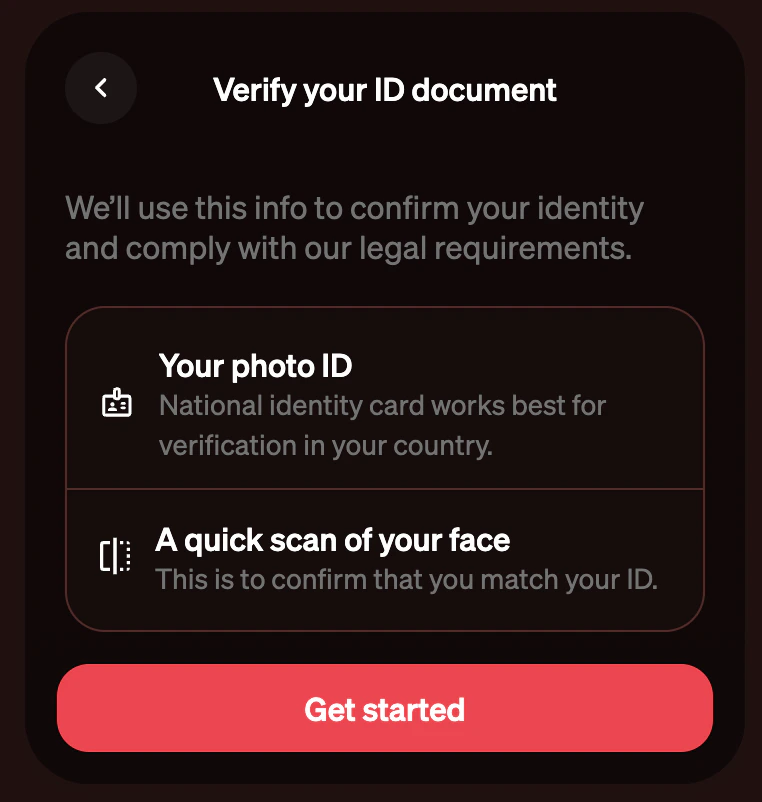 ### Confirm your payment method
In the last step, select your prefered payment method, and you are all done!\
You can refer to the [Platform Fee section](/junction-exchange/platform-fee) for fees applied by Moonpay and Junction depending of the method.
### Confirm your payment method
In the last step, select your prefered payment method, and you are all done!\
You can refer to the [Platform Fee section](/junction-exchange/platform-fee) for fees applied by Moonpay and Junction depending of the method.